Best AI Image Generators in 2026: Complete Comparison Guide
Compare the top AI image generators of 2026 including Midjourney, DALL-E 3, Stable Diffusion, and Adobe Firefly. Find the perfect tool for your creative needs with our in-depth analysis of features, pricing, and quality.
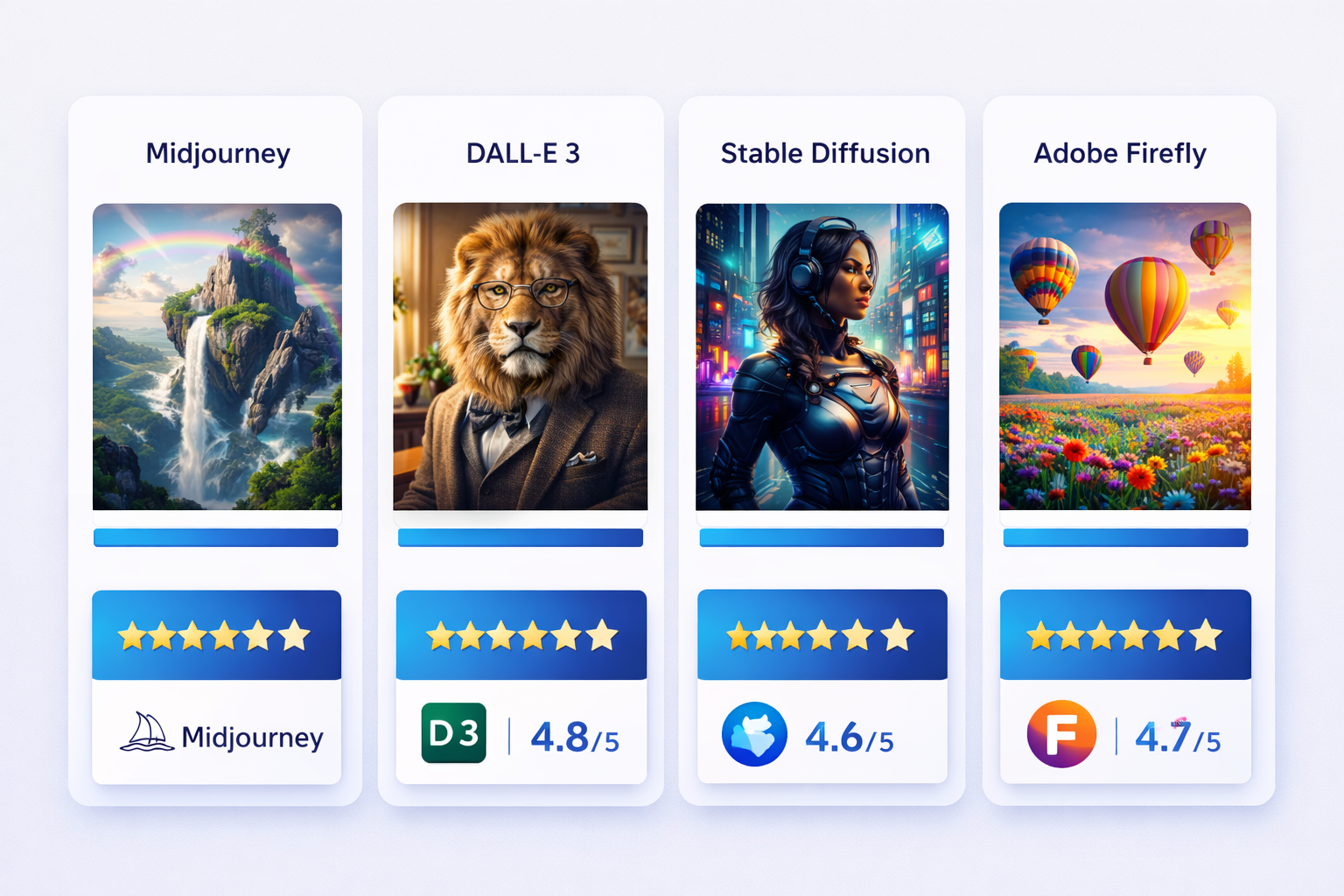
Best AI Image Generators in 2026: Complete Comparison Guide
Artificial intelligence has revolutionized digital art creation, making it possible for anyone to generate stunning, professional-quality images from simple text descriptions. With dozens of AI image generators available in 2026, choosing the right tool can be overwhelming.
This comprehensive guide compares the leading AI image generation platforms to help you find the perfect solution for your creative projects.
Quick Comparison Table
| Platform | Best For | Starting Price | Image Quality | Ease of Use |
|---|---|---|---|---|
| Midjourney v7 | Professional artists | $10/month | Exceptional | Moderate |
| DALL-E 3 | Quick iterations | $20/month | Excellent | Very Easy |
| Stable Diffusion XL | Customization | Free (open-source) | Excellent | Complex |
| Adobe Firefly | Commercial use | $4.99/month | Very Good | Easy |
| Leonardo.ai | Game assets | Free tier available | Very Good | Easy |
1. Midjourney v7 - Best Overall Quality
Pricing: $10/month (Basic) to $120/month (Mega)
Midjourney continues to dominate the AI image generation landscape in 2026 with its version 7 release. Known for producing exceptionally artistic and aesthetically pleasing images, Midjourney excels at:
Key Features
- Photorealistic rendering with improved lighting and texture details
- Artistic style mastery spanning hundreds of art movements
- Advanced prompt understanding including complex multi-part descriptions
- Consistent character generation for creating recurring subjects
- High-resolution output up to 8K with upscaling
Best Use Cases
- Digital art and illustration
- Concept art for games and films
- Marketing visuals and social media content
- Book covers and editorial imagery
Limitations
- Discord-based interface may feel awkward for beginners
- No direct API access on lower tiers
- Limited control over specific details compared to Stable Diffusion
2. DALL-E 3 - Best for Beginners
Pricing: $20/month for ChatGPT Plus (includes DALL-E 3 access)
OpenAI’s DALL-E 3, integrated with ChatGPT, offers the most user-friendly AI image generation experience. Its natural language understanding is unmatched, making it perfect for users who prefer conversational prompting.
Key Features
- Conversational prompting through ChatGPT interface
- Excellent text rendering within images
- Strong safety filters for commercial use
- Image editing capabilities with inpainting
- GPT-4 powered prompt refinement automatically improves your descriptions
Best Use Cases
- Blog illustrations and content creation
- Quick mockups and ideation
- Educational materials
- Social media graphics
Limitations
- Limited style control compared to competitors
- Slower generation speed (2-3 minutes per image)
- Content policy restrictions may block creative prompts
3. Stable Diffusion XL - Best for Customization
Pricing: Free (open-source) or $9-49/month for hosted solutions
Stable Diffusion remains the go-to choice for users who want complete control over their AI image generation. The open-source nature allows for unlimited customization through custom models, LoRAs, and extensions.
Key Features
- Complete open-source control with no usage limits
- Custom model training using your own images
- ControlNet integration for precise composition control
- Local installation with no privacy concerns
- Extensive community resources with thousands of custom models
Best Use Cases
- Custom character design with consistent features
- Specific artistic styles through fine-tuned models
- Privacy-sensitive projects requiring local processing
- High-volume generation without per-image costs
Limitations
- Steep learning curve for beginners
- Requires powerful GPU for local use (RTX 3060+ recommended)
- More complex prompt engineering needed
4. Adobe Firefly - Best for Commercial Use
Pricing: $4.99/month (Standard) to $59.99/month (Premium)
Adobe Firefly, trained exclusively on licensed and public domain content, provides peace of mind for commercial projects. Deep integration with Adobe Creative Cloud makes it ideal for professional workflows.
Key Features
- Commercial-safe training data eliminates copyright concerns
- Creative Cloud integration with Photoshop, Illustrator, and Express
- Generative Fill for seamless image editing
- Style matching to maintain brand consistency
- Vector generation for scalable graphics
Best Use Cases
- Marketing agencies and brands
- Professional designers in corporate environments
- Print media requiring commercial licensing
- Adobe ecosystem users
Limitations
- Less artistic than Midjourney for creative projects
- Smaller variety of styles
- Generation quality slightly behind competitors
5. Leonardo.ai - Best for Game Development
Pricing: Free tier available, $12-48/month for premium features
Leonardo.ai specializes in game assets and consistent character design, making it the preferred choice for game developers and indie studios in 2026.
Key Features
- Asset generation optimized for game sprites and textures
- Character consistency tools for maintaining look across angles
- Real-time canvas for interactive editing
- 3D texture generation for game models
- Prompt magic automatically enhances basic prompts
Best Use Cases
- Game character and environment design
- Trading card artwork
- UI/UX mockups
- Consistent character illustration
Limitations
- Less suitable for photorealistic images
- Smaller community compared to Midjourney/Stable Diffusion
How to Choose the Right AI Image Generator
Consider these factors when selecting your tool:
1. Skill Level
- Beginners: Start with DALL-E 3 or Leonardo.ai
- Intermediate: Midjourney offers the best quality-to-ease ratio
- Advanced: Stable Diffusion for maximum control
2. Budget
- Free/Open-Source: Stable Diffusion (requires GPU)
- Budget-Conscious: Adobe Firefly at $4.99/month
- Professional: Midjourney Standard ($30/month) for best results
3. Use Case
- Commercial work: Adobe Firefly or Midjourney commercial license
- Artistic projects: Midjourney v7
- Game development: Leonardo.ai
- Custom training: Stable Diffusion
4. Volume
- Occasional use: DALL-E 3 with ChatGPT Plus
- Heavy use: Midjourney unlimited plans or self-hosted Stable Diffusion
Quality Comparison: Real-World Test
We tested each platform with the same prompt: “A serene Japanese garden at sunset, cherry blossoms falling, koi pond reflecting golden light, photorealistic, 4K quality”
Results:
- Midjourney v7: Most artistic interpretation, exceptional lighting
- DALL-E 3: Good balance, accurately included all elements
- Stable Diffusion XL: Required prompt refinement but achieved highest detail
- Adobe Firefly: Clean, commercial-ready output, slightly less atmospheric
- Leonardo.ai: Good quality but less photorealistic
Advanced Tips for Better Results
Regardless of which platform you choose, these tips will improve your image quality:
- Be specific with lighting: “golden hour lighting” > “good lighting”
- Include camera details: “shot on Sony A7IV, 85mm f/1.4”
- Reference art styles: “in the style of Studio Ghibli” or “trending on ArtStation”
- Use negative prompts: Specify what you don’t want (Stable Diffusion, Midjourney)
- Iterate and refine: Start broad, then add specific details
Future Trends in AI Image Generation
As we progress through 2026, watch for these emerging capabilities:
- Video-to-image consistency: Generating storyboards with consistent characters
- 3D-aware generation: Images that can be easily converted to 3D models
- Multi-modal control: Combining sketches, reference images, and text
- Real-time generation: Sub-second image creation for interactive applications
Conclusion
The “best” AI image generator depends entirely on your specific needs:
- Choose Midjourney for stunning artistic quality and professional results
- Choose DALL-E 3 for ease of use and natural language prompting
- Choose Stable Diffusion for unlimited customization and control
- Choose Adobe Firefly for commercial safety and Creative Cloud integration
- Choose Leonardo.ai for game assets and consistent characters
Most professionals use a combination of tools, leveraging each platform’s strengths for different projects. Many start with Midjourney for initial concepts, then refine in Stable Diffusion, and finalize in Photoshop with Firefly’s generative fill.
The AI image generation space continues evolving rapidly—what matters most is experimenting to find which tool aligns with your creative workflow and project requirements.
Last updated: February 2026. Pricing and features subject to change.